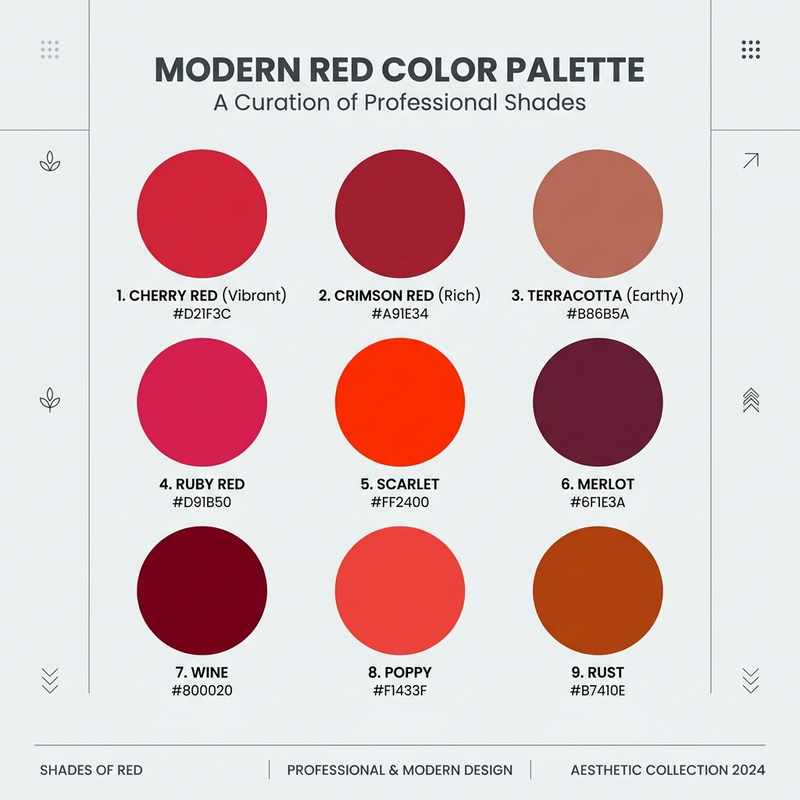
The most popular blue hex codes at a glance
If you just need a blue hex code to copy, start here. Pure CSS "blue" is #0000FF, but that electric primary is rarely what brands actually use — most reach for a royal blue like #4169E1 or a deep navy like #000080. The full palette below runs from the darkest midnight to the palest powder.
Interactive Blue Swatch Grid
Click any swatch to copy its Hex code to your clipboard and view its RGB/HSL conversions.
Blue in RGB, HSL, and CMYK
A hex code is just a compact RGB triplet, so #4169E1 and RGB(65, 105, 225) describe the same royal blue. When you are matching CSS, print, or design-tool inputs, the other notations help.
For royal blue #4169E1: RGB is (65, 105, 225); HSL is (225°, 73%, 57%) — a blue hue, high saturation, mid lightness; CMYK is roughly (71%, 53%, 0%, 12%).
For navy #000080: RGB(0, 0, 128), HSL(240°, 100%, 25%), CMYK(100%, 100%, 0%, 50%). The very low lightness is what gives navy its authoritative weight.
Why hex alone isn't enough for recoloring
A hex code defines a target color, but it says nothing about lightness. When you recolor a navy jacket to sky blue using a flat RGB swap, you flatten the fabric's folds and shadows along with the hue — and the result looks fake.
This is why perceptually-uniform spaces matter. LAB separates lightness (the L channel — folds, highlights, shadows) from the color itself (A and B). Recoloring in LAB lets you hit an exact blue hex while every shadow and texture detail of the original survives. The same logic applies to OKLCH, which keeps perceived lightness constant as you shift hue. See our deep dive on preserving texture and shading when recoloring.
Best color pairings for blue
Blue is the most flexible base color in commerce — it pairs cleanly with warm accents for energy and with neutrals for trust. These combinations are reliable starting points for UI, packaging, and product styling.
- Navy + white (#FFFFFF) — clean, nautical, corporate; the safest professional pairing.
- Blue + orange (#FF7A00) — direct complementary contrast; high-energy for tech and sport.
- Royal blue + gold (#D4AF37) — premium and regal for heritage and finance brands.
- Sky blue + coral (#FF6F61) — fresh and friendly for lifestyle and wellness.
- Teal + charcoal (#333333) — modern and understated, a favorite for SaaS.
Matching brand blues across assets
Blue drifts. A logo blue, a button blue, and a product-photo blue that all started as #1D4ED8 can end up three slightly different shades once they pass through compression and ad-hoc edits. The fix is to define each brand blue once — with a name, a hex, and a use case — and recolor every asset to that exact value rather than eyeballing it.
With Recolorify you can paste an exact blue hex and recolor a logo, a product photo, or a garment to match it precisely, keeping texture intact. Got a hex from the list above? Drop your image in and recolor it to that exact blue in seconds. Explore the full set: red, green, orange, pink, purple, and yellow color codes.
Frequently asked questions about blue color codes
What is the hex code for blue? The pure CSS keyword "blue" is #0000FF. Most brands use a softer royal blue (#4169E1) or a deep navy (#000080) instead.
What is the RGB code for blue? Pure blue is RGB(0, 0, 255); navy is RGB(0, 0, 128); royal blue is RGB(65, 105, 225).
What is the hex code for navy blue? Navy is #000080 — pure blue at half lightness.
What is the difference between sky blue and baby blue? Sky blue (#87CEEB) is slightly deeper and greener; baby blue (#89CFF0) is a touch lighter and softer. Both are pastels used for calm, approachable designs.