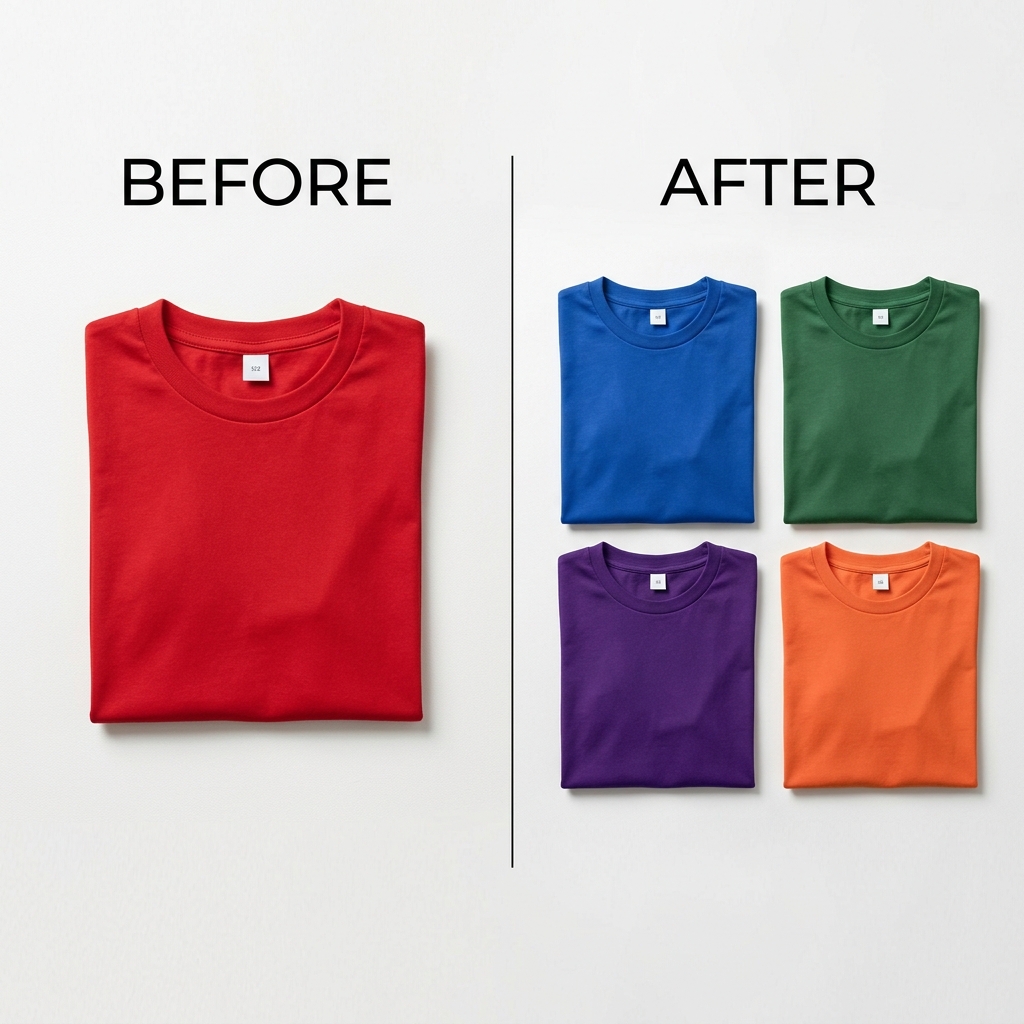
Why one object is harder than it looks
An object in a photo is never one flat color. It has highlights where light hits it, shadows in its creases, and a surface texture — fabric weave, brushed metal, matte plastic, glossy ceramic. When you change its color, all of that has to survive, or the object looks like a sticker pasted onto the scene.
The trick is to change the color while keeping the lightness. Recolorify works in LAB color space, which holds an object's lightness (texture, highlights, shadows) in one channel and its color in another. Swap the color channels and the object keeps every reflection and shadow it started with — only the hue changes.
Change an object color in three steps
- Upload your photo. Recolorify indexes each object region automatically while you wait.
- Hover until the object you want highlights, then click it. Only that region is selected — the rest of the photo stays untouched.
- Enter a target hex code or pick a color. The recolored preview appears instantly with texture and shadows intact; export a full-resolution PNG when it looks right.
Pick the right mode for the surface
- Shading mode (default): best for fabric, leather, matte plastic, and anything with real-world lighting you want to keep.
- Lightness mode: best for glossy, metallic, or 3D-rendered objects — it re-centers the highlight on the new color.
- Replace mode: best for flat, solid-color objects, icons, and logos where you need a pixel-exact hex.
- Always check the result at 100% zoom: soft edges can carry a hint of the old color, and one extra click cleans them up.
When to use a dedicated tool instead
The general object color changer handles almost anything, but for specific surfaces a purpose-built page gives you tuned defaults and guidance. Recolorify has dedicated tools for clothes, shoes, logos, cars, furniture, and product photos — each one preset for that material's texture and lighting. If you're recoloring the same object type repeatedly, start from its dedicated page; for one-off mixed scenes, the object color changer is the fastest path.