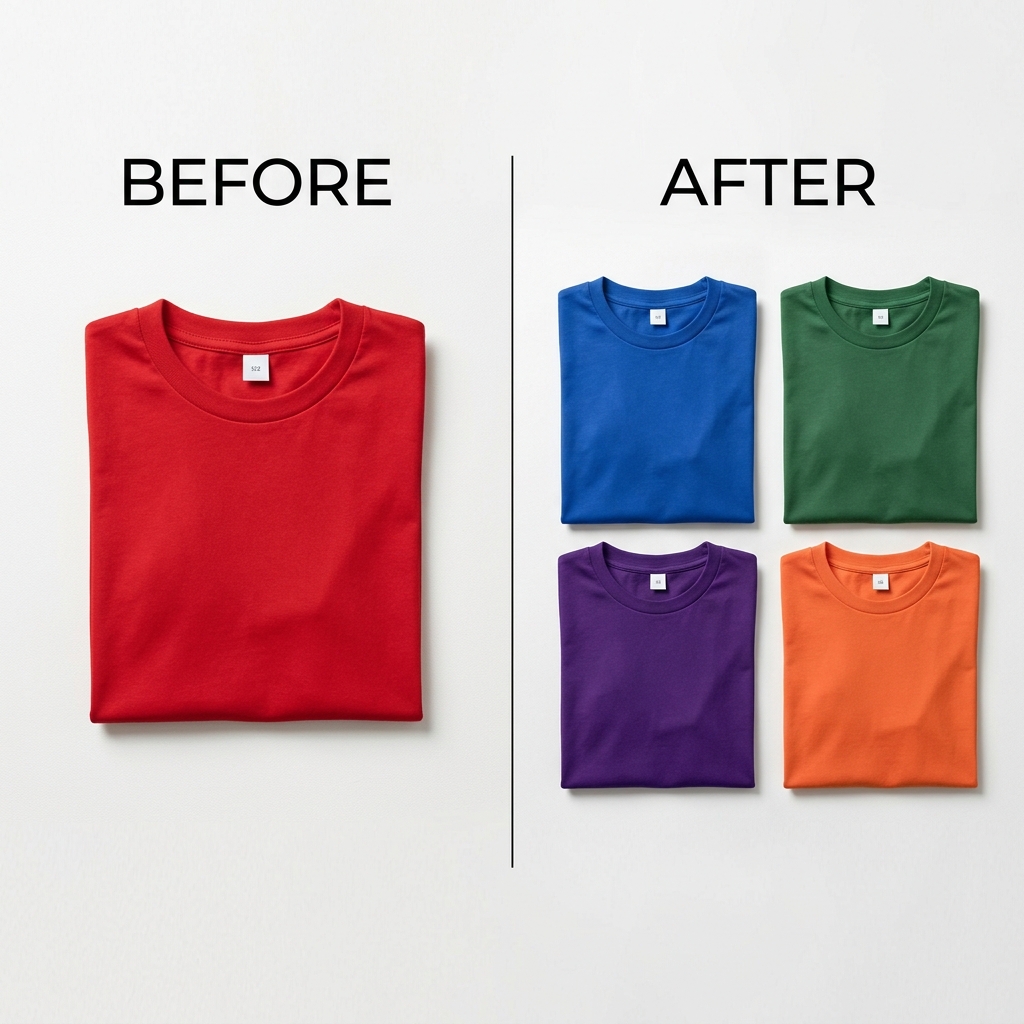
Why hair is hard to recolor
Hair is thousands of fine strands with highlights, shadows, and shine that shift across the head. A flat color fill turns all of that into a solid helmet. To look real, the recolor has to keep the lightness variation of every strand while changing only the hue.
Recolorify works in LAB color space, which separates lightness — strands, highlights, and shine — from color. That lets you take hair from brunette to blonde or to a bold fashion shade while the texture and depth survive.
Change hair color in three steps
- Upload a clear, evenly lit portrait. Good lighting on the hair gives the cleanest result.
- Hover until the hair highlights, then click it. Skin, eyes, and background stay untouched.
- Enter a target hex or pick a shade. The preview updates instantly; export a full-resolution image when you like it.
Tips for a believable shade
- Going much lighter (dark to platinum) is the hardest jump — use an evenly lit photo and check shine areas at 100% zoom.
- Type an exact hex to match a real dye color or a reference photo, rather than guessing with a slider.
- Generate several shades from one portrait and export them together to compare looks side by side.
A dedicated tool for hair
For repeat use, start from the dedicated hair color changer, which is preset for strand and shine preservation. It is the fastest way to try a new look before committing.