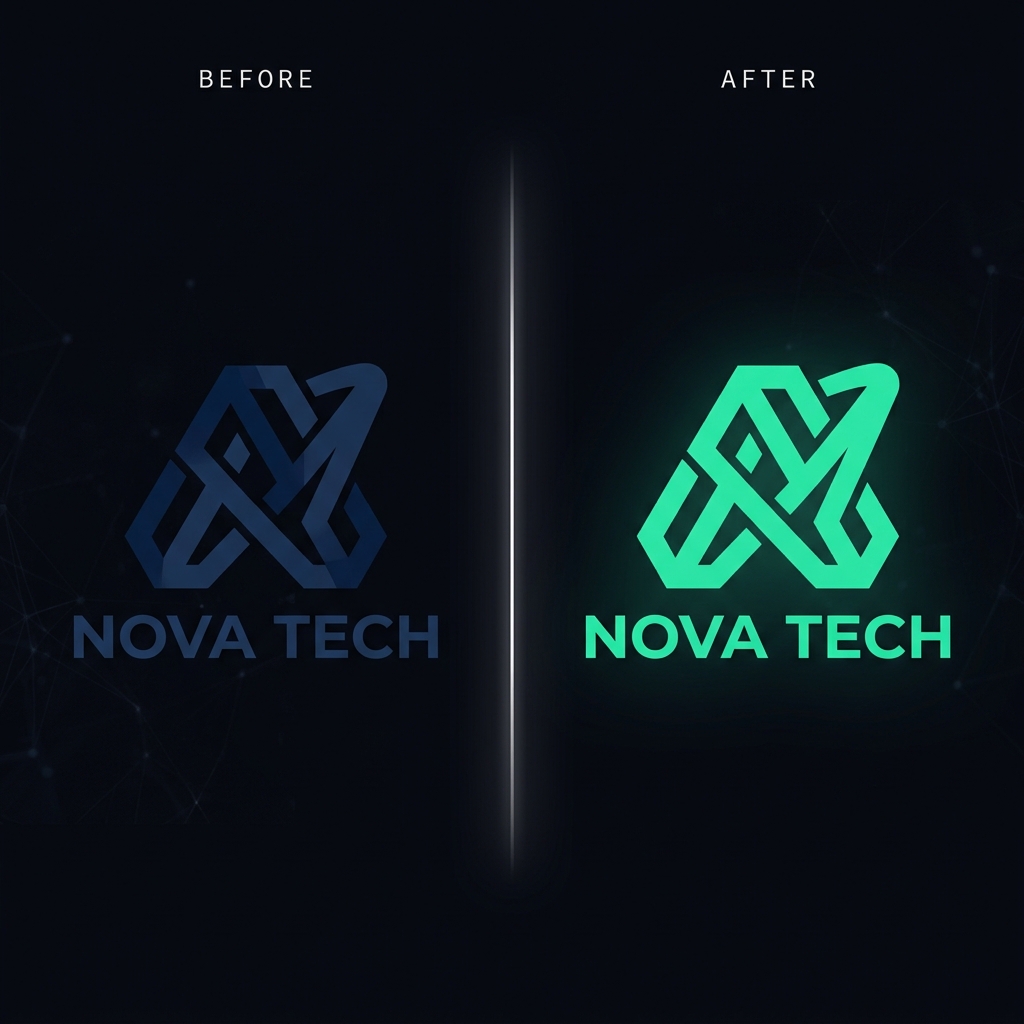
Why PNG transparency breaks during recoloring
A PNG stores transparency in a separate alpha channel — a per-pixel map of how opaque each pixel is, from 0 (invisible) to 255 (solid). The visible artwork has soft, anti-aliased edges where the alpha fades from solid to transparent. That fade is what makes a logo look crisp on any background.
Cheap recoloring tools flatten the image onto a white background before editing, which permanently bakes white into those semi-transparent edge pixels. Even tools that keep the alpha channel often recolor the soft edge pixels at full strength, producing a hard jagged outline. Preserving transparency means recoloring the color channels while leaving the alpha channel completely untouched.
The right way to recolor a transparent PNG
A transparency-aware recolor reads the alpha channel, edits only the RGB color values, and writes the original alpha back out byte-for-byte. The anti-aliased edges keep their exact opacity, so the recolored logo drops onto a dark navy site header or a white print page with the same clean edge it always had.
Recolorify preserves the alpha channel on every export. When you change a logo from black to your brand teal, the surrounding transparency — and the soft edges — come through untouched, which is why the result doesn't carry a white box or a halo.
Step-by-step: recolor a PNG logo
- Upload your transparent PNG. The checkerboard background in the workspace confirms the transparency was read correctly.
- Click the part of the logo you want to recolor — a single shape or the whole mark.
- Enter your target hex. Use Replace mode for flat brand colors so the new color is pixel-exact.
- Export as PNG. The download keeps the original transparency and edge anti-aliasing, ready for web, dark mode, or print.
Common PNG recoloring use cases
- Dark-mode logo variants: recolor a dark logo to white or light gray for dark backgrounds without re-exporting from the source file.
- Partner and co-brand kits: generate the same mark in each partner's brand color in minutes.
- Icon sets: keep a consistent silhouette and swap the fill color across an entire icon family.
- Stickers and merch: produce colorways of the same transparent artwork for print-on-demand.